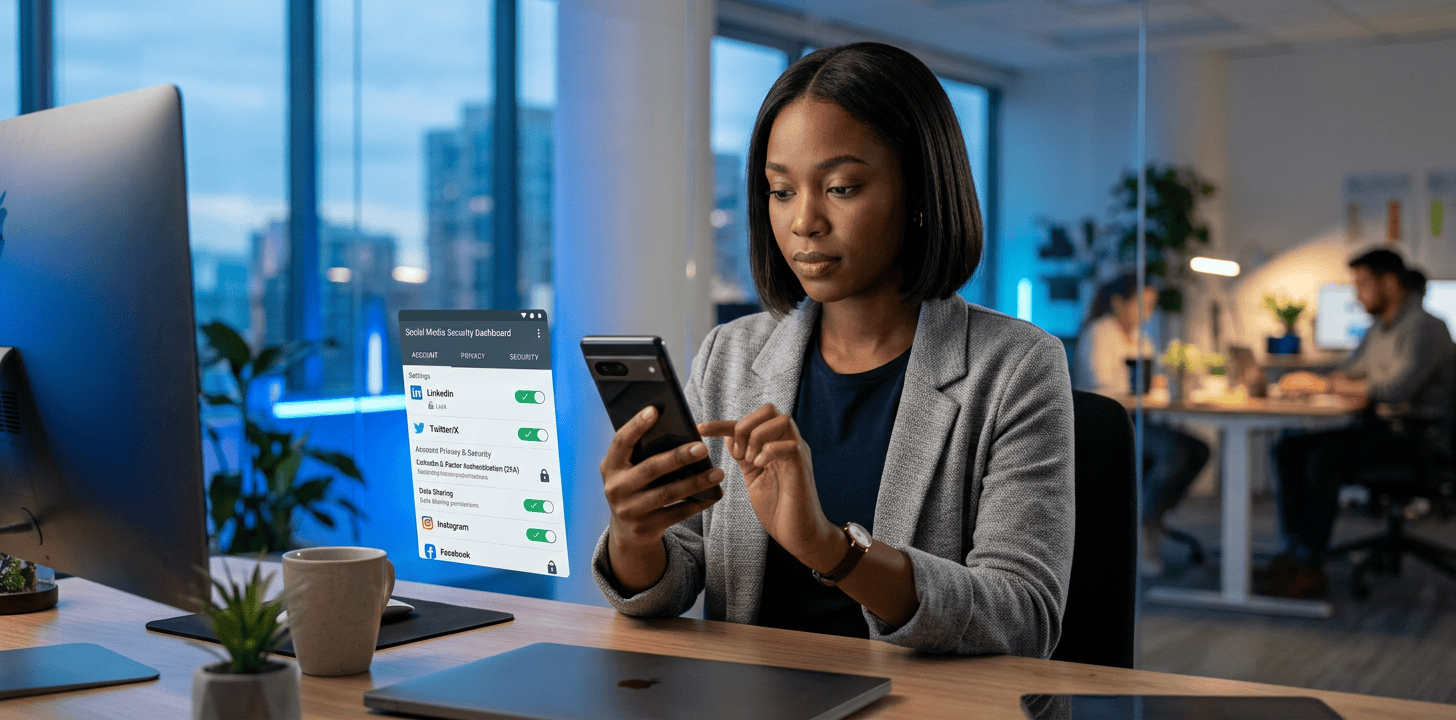
Keeping your online presence safe is no longer optional. With so much of your personal life, work, and even financial activity tied to social platforms, learning how to secure social media accounts is one of the smartest things you can do today.
The good news is that you do not need to be technical to protect yourself. A few practical changes, done consistently, can make your accounts much harder to hijack, impersonate, or misuse.
Why Social Media Security Matters
Social accounts are prime targets because they hold personal data, direct messages, contact lists, payment details, and trusted connections. If someone gains access, they can scam your friends, damage your reputation, or lock you out completely.
It is also not just about hacking. Weak passwords, reused logins, fake apps, phishing messages, and oversharing can all put your account at risk. That is why a layered approach works best.
1. Use Strong, Unique Passwords
This is the foundation of account security. If you reuse the same password across multiple platforms, one data breach can expose everything else tied to that login.
Use a password manager to create and store long, unique passwords for each account. Aim for a mix of uppercase and lowercase letters, numbers, and symbols, and avoid anything tied to your name, birthday, or pets.
2. Turn On Two-Factor Authentication
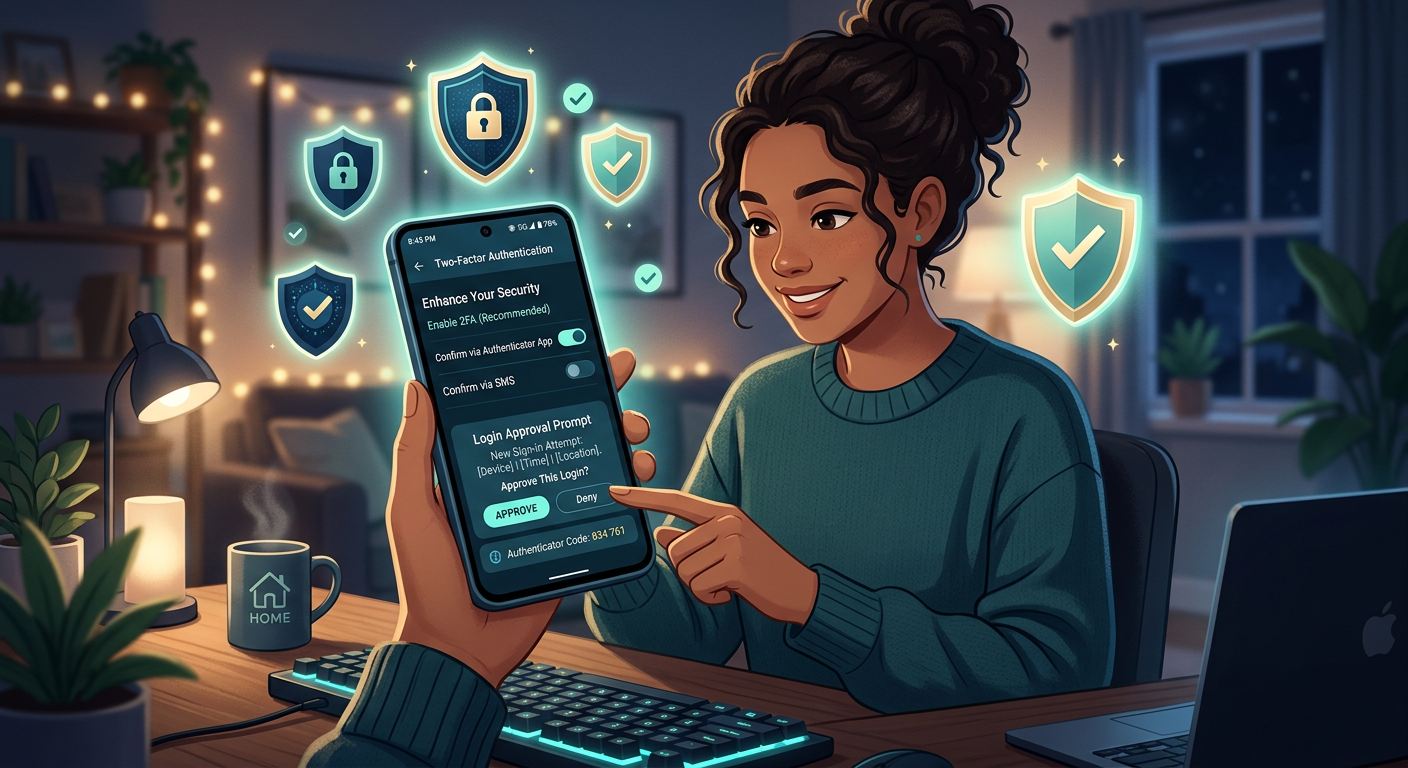
Two-factor authentication, often called 2FA, adds an extra layer of protection beyond your password. Even if someone steals your login details, they still need a second code or approval to get in.
Whenever possible, use an authenticator app instead of SMS codes, because text messages can be intercepted through SIM-swapping attacks. Most major platforms support 2FA, and it should be one of the first settings you check.
3. Review Login Alerts and Active Sessions
Many people never look at the devices that are signed into their account. That is a mistake. If you see a device, browser, or location you do not recognize, it may be a sign that someone else has access.
Check your login history regularly and enable alerts for new sign-ins. If something looks suspicious, log out of all sessions and change your password immediately.
4. Be Careful with Phishing Messages
Phishing is still one of the most common ways attackers steal social media accounts. These messages often pretend to be platform support, brand partnerships, verification requests, or urgent security warnings.
Never click suspicious links in direct messages or emails. Go directly to the app or official website instead. If the message pressures you to act fast, that is usually a red flag.
5. Limit What You Share Publicly
The more personal information you reveal, the easier it becomes for scammers to guess security answers or impersonate you. Details like your phone number, home city, workplace, and travel plans can be used against you.
Go through your profile and tighten visibility settings. You do not need to make everything private, but you should be deliberate about what strangers can see.
6. Check Connected Apps and Third-Party Access
Over time, you may have given access to apps, games, scheduling tools, or analytics platforms you no longer use. Some of these connections can create security risks if the third party is compromised.
Remove anything unnecessary from your connected apps list. If an app asks for more access than it needs, think twice before approving it.
7. Secure Your Email Account Too
Your email account is often the recovery key for your social media logins. If someone takes over your email, they can reset passwords and bypass your defenses.
Protect your email with a strong password and 2FA, and review its recovery details as well. Securing social media accounts becomes much easier when the email tied to them is also locked down.
8. Keep Your Devices Updated
Security updates patch vulnerabilities that attackers may exploit. If your phone or tablet is running old software, you are making it easier for malicious apps or browser exploits to succeed.
Update your operating system, apps, and browsers regularly. It is a simple habit, but it plays a major role in long-term protection.
9. Watch for Impersonation and Fake Profiles
Attackers sometimes clone accounts, create fake giveaways, or pretend to be support teams. These tactics are designed to trick followers into sharing information or sending money.
Report suspicious accounts quickly and warn your audience if your profile has been copied. The faster you act, the less damage a fake profile can do.
10. Build a Recovery Plan Before You Need One
If you lose access, what happens next? A good recovery plan saves time and reduces panic. Make sure your recovery email and phone number are current, and store backup codes somewhere safe.
You should also know how to contact each platform’s support team if your account is compromised. Preparation matters more than people realize.
A Practical Security Routine You Can Follow
If you want a simple habit loop, use this monthly checklist:
- Review active logins
- Change weak or reused passwords
- Confirm 2FA is still enabled
- Remove unused connected apps
- Check privacy settings
- Scan for suspicious messages
This takes only a few minutes and can prevent a major headache later.
FAQ
What is the fastest way to secure a social media account?
Turn on two-factor authentication, change your password to a unique one, and check for unfamiliar logged-in devices. Those three steps give you the biggest immediate improvement.
Should I use the same password for every platform?
No. Reusing passwords is one of the biggest mistakes people make. If one service is breached, attackers will try that same password everywhere else.
Is SMS two-factor authentication safe enough?
It is better than no 2FA at all, but an authenticator app is generally safer. SMS codes can be vulnerable to SIM-swapping or phone number compromise.
How often should I review my account security?
A quick monthly review is a good habit. You should also check immediately after any suspicious message, login alert, or password reset email.
What should I do if my account is hacked?
Change the password right away, log out of all sessions, revoke suspicious app access, and follow the platform’s recovery steps. If your email is linked, secure that account too.
Can privacy settings really help?
Yes. Privacy settings reduce the amount of information strangers can use for scams, impersonation, or social engineering. They are not a full defense, but they matter.
Take Control Of Your Account Security
Learning how to secure social media accounts is not about being paranoid, it is about being prepared. A few smart habits can protect your identity, your audience, and your peace of mind.
If you want more clear, practical tech guidance, visit Tech On The Go for the latest tech news, reviews, and helpful how-to content. Start with one fix today, then build from there.
Conclusion
Social media security works best when you treat it like an ongoing routine, not a one-time setup. Strong passwords, 2FA, login checks, and smart privacy habits can dramatically reduce your risk.
The sooner you make these changes, the safer your accounts will be. And if you manage a brand or public profile, the stakes are even higher, so it is worth doing right.

Keen tech writer outside of my day job in I.T. and spending time with my family.