

If your phone has started feeling sluggish, you are not imagining it. Apps take longer to open, typing lags, and even simple swipes can feel sticky. The good news is that you do not always need a new handset to fix it, because there are several fast, practical ways to improve performance.
A slow device usually has a few obvious causes, too many background apps, low storage, an overloaded battery, outdated software, or just years of digital clutter. The trick is knowing which fixes make the biggest difference first, so you can get your phone feeling responsive again without wasting time.
Start With The Basics
Before you dig into advanced settings, handle the simple stuff. Restarting the phone clears temporary memory, closes stuck processes, and can instantly make things feel smoother. It is not glamorous, but it works surprisingly often.
You should also check whether your storage is nearly full. Most phones perform better when they have breathing room, especially for app caching and system tasks. If your storage is packed with videos, screenshots, and duplicate downloads, performance can drop fast.
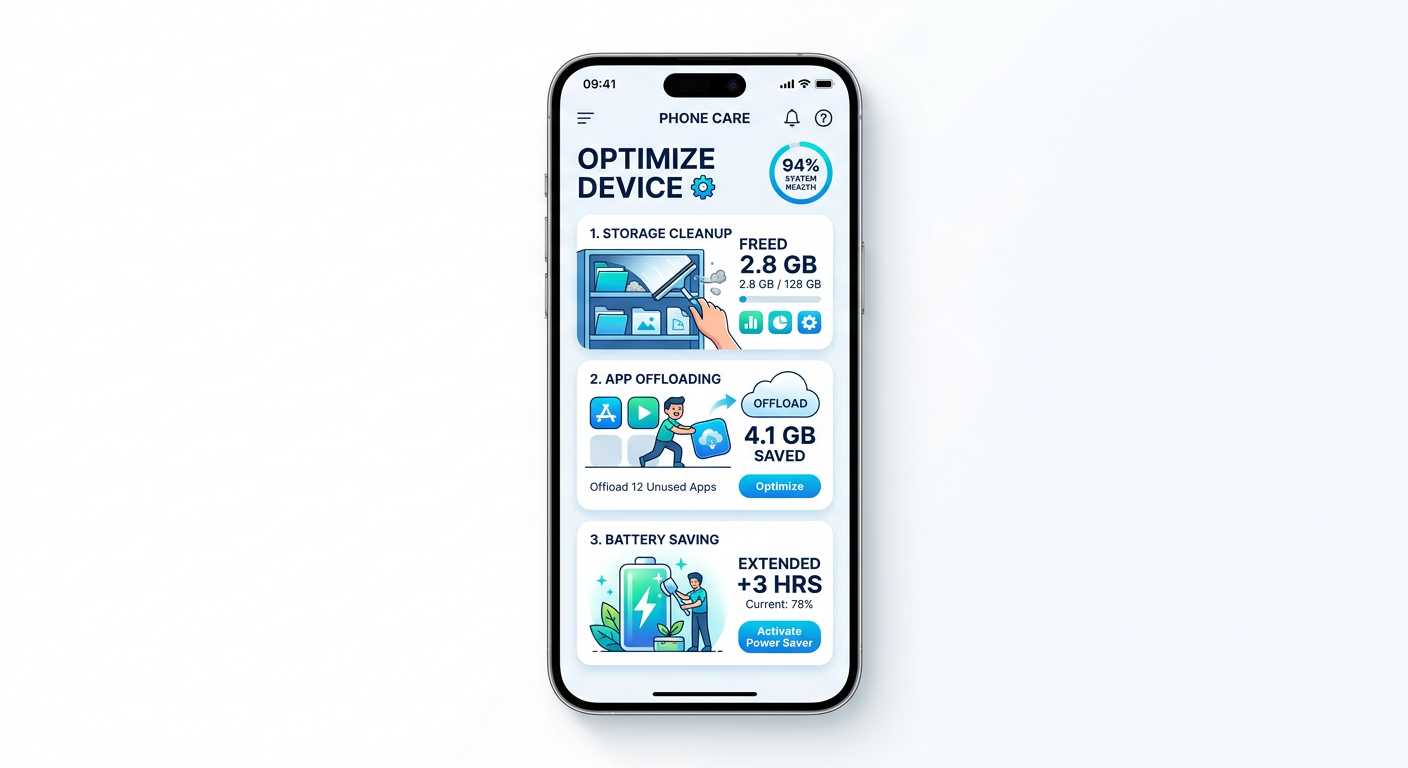
1. Restart Your Phone Regularly
A full restart is one of the easiest ways to speed things up. It clears temporary glitches, resets background services, and can stop one bad app from dragging the whole system down.
If your phone has been running for days or weeks without a reboot, start here before changing anything else.
2. Free Up Storage Space
When storage gets too full, your phone has less room to work efficiently. Try deleting old videos, large message attachments, unused downloads, and duplicate photos.
A good rule of thumb is to keep at least 10 to 20 percent of your storage free. That gives the operating system enough space to manage updates, app data, and caching more smoothly.
3. Uninstall Apps You Do Not Use
Every app on your phone adds some level of clutter, even if you rarely open it. Some apps also keep running in the background, checking for updates, syncing data, or sending notifications.
If you have not used an app in months, remove it. That frees up storage, reduces background activity, and makes your home screen easier to manage.
4. Update Your Software
Software updates often include bug fixes, security patches, and performance improvements. If your phone is running an old version of the operating system or your apps are outdated, lag can become more noticeable.
Check for updates in your system settings and app store. This is especially important if a specific app has started freezing or crashing after recent changes.
5. Reduce Background Activity
Many phones allow apps to refresh in the background, which can quietly drain battery and slow performance. You do not need every app updating constantly, especially if you only use it once in a while.
Look through battery or app settings and limit background refresh for non-essential apps. Messaging, email, and navigation may deserve priority, while shopping or news apps usually do not.
6. Clear App Cache When Needed
Cached data helps apps load faster, but over time it can become bloated or corrupted. If one app is slow, freezing, or behaving strangely, clearing its cache can help.
Do not overdo this for every app all the time. Use it as a targeted fix when a specific app starts misbehaving, rather than as a daily habit.
7. Check Battery Health
A worn-out battery can affect overall performance, especially on older phones. Some devices reduce speed to prevent shutdowns when the battery can no longer deliver stable power.
If your phone feels slow and the battery drains quickly, battery health may be part of the problem. On many devices, you can check battery status in settings and decide whether a replacement makes sense.
8. Turn Off Unnecessary Animations
Fancy animations can make a phone feel smooth, but on older devices they can also make it feel slower. Reducing motion, transitions, and visual effects can improve responsiveness.
This does not speed up the processor itself, but it can make the phone feel much more immediate when opening apps and moving between screens.
9. Scan For Problem Apps
Sometimes one poorly designed app is the real reason your phone feels slow. If lag started after installing something new, remove it and see whether performance improves.
Apps that constantly run ads, track location, or spam notifications can be especially heavy. Be selective about what you install, and stick to trusted developers when possible.
10. Reset Only As A Last Resort
If nothing else works, a factory reset can give your phone a fresh start. It wipes software clutter, removes damaged settings, and often restores speed on aging devices.
Only do this after backing up your photos, contacts, and files. It is a powerful fix, but it takes more effort than the other options, so save it for the point when simpler steps have failed.
What Usually Helps The Most
In most cases, the fastest improvements come from three moves, restart the phone, clear storage, and remove apps you do not need. Those alone can make a noticeable difference.
If your device is still slow after that, the issue may be hardware-related rather than software-related. Older processors, limited RAM, and weak batteries eventually hit a ceiling no amount of cleanup can fully overcome.
When A Slow Phone Means It Is Time To Upgrade
If your phone still struggles after updates, storage cleanup, and a battery check, it may be approaching the end of its useful life. That is especially true if basic actions like opening the camera, switching apps, or typing messages still lag.
At that point, you are not just dealing with inconvenience, you are losing time every day. A newer device may save you more frustration than trying to squeeze one more year out of an aging handset.
Final Thoughts
Learning how to speed up slow phone performance is mostly about removing friction. You do not need a complicated fix in most cases, you need a few smart habits that keep the device lean, updated, and free of clutter.
Start with the easy wins, then work through the deeper fixes if needed. And if you want more practical tech tips, device advice, and smart buying guidance, visit Tech On The Go for more useful updates.
Conclusion
A slow phone is frustrating, but it is usually fixable. By restarting regularly, clearing space, updating software, and trimming background activity, you can often restore a lot of lost speed without spending a penny.
If the phone is still sluggish after all that, the problem may be aging hardware. In that case, the right upgrade could be the most practical fix of all.

Scouring the internet for mobile tech, news & tips!